Blog / Tiered Rewards vs. Free Shipping
Tiered Rewards vs. Free Shipping Bar: Which Wins More Orders?
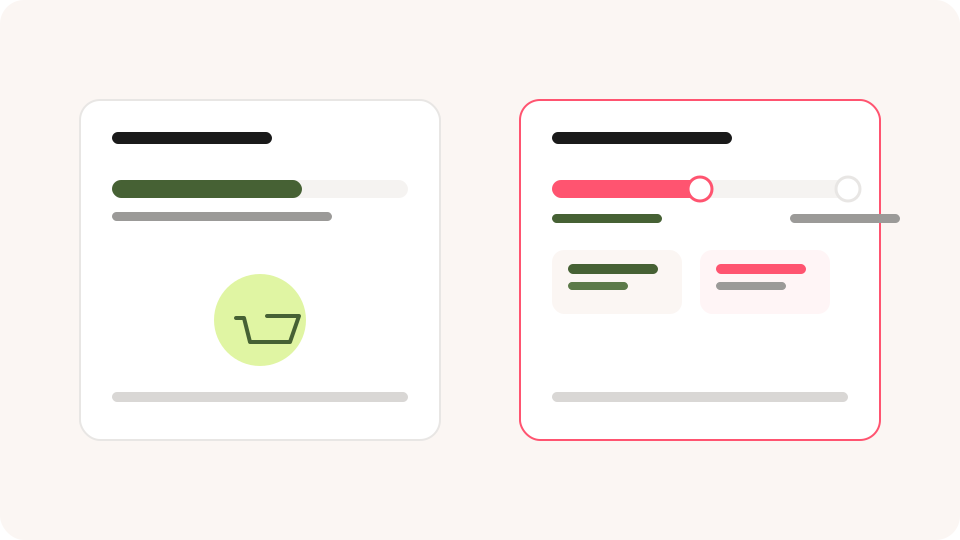
A free shipping bar is the most common upsell widget on Shopify — and also the easiest to outgrow. Once a buyer crosses the threshold, the bar goes quiet and so does the incentive to add more. A tiered rewards bar keeps a next goal in view. Here's how the two compare, and when each one is the better choice.
TL;DR
-
 A free shipping bar tracks one threshold; a tiered rewards bar tracks several
(shipping, free gift, order discount).
-
Tiered rewards keep the incentive alive after the first goal is met — a free
shipping bar doesn't.
-
Free shipping bars are faster to set up and easier for buyers to read at a glance.
-
Both are funnel discounts: they apply to the whole cart once a
threshold is met.
How Does Each Widget Work?
A free shipping bar shows a single message: spend $X more to unlock free shipping. Once the buyer crosses that line, the message changes to a confirmation, and the widget has done its job.
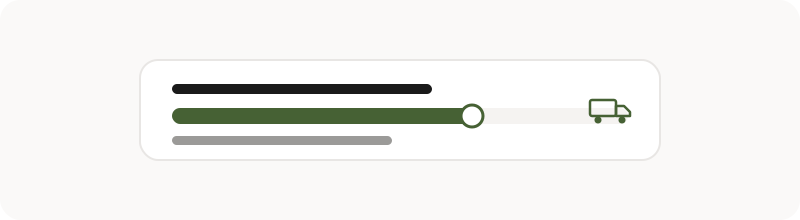
A tiered rewards bar runs the same mechanic across multiple thresholds — for example, $65 for free shipping and $190 for a 20% order discount. Each time the buyer crosses a tier, the next one becomes the new goal, so the pull toward checkout stays active for longer.
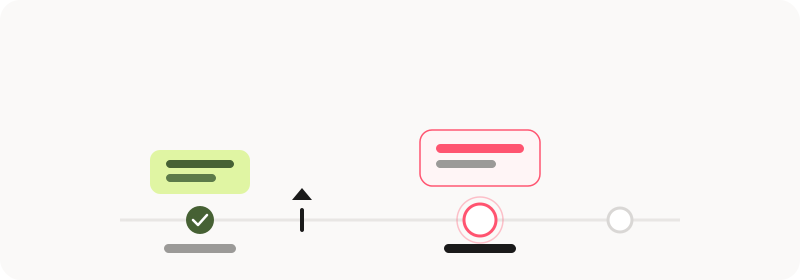
Side-by-Side Comparison
| Attribute | Free Shipping Bar | Tiered Rewards Bar |
|---|---|---|
| Thresholds | One | Multiple |
| Reward types | Free shipping only | Free shipping, free gifts, order discounts |
| Incentive after first goal | None — the bar goes quiet | Stays active toward the next tier |
| Setup effort | Minimal — one threshold to configure | Higher — thresholds and rewards per tier |
| Best cart size | Smaller, lower-AOV carts | Carts with room to grow across tiers |
When Should You Use Which?
If your store has one clear shipping cutoff and a tight margin, a free shipping bar alone is often enough — it's simple, fast to read, and doesn't require merchants to plan multiple reward tiers.
If your average order value has room to grow — buyers routinely add a second or third item — a tiered rewards bar captures that upside. The GemUpsells Cart Maximizer template is built around exactly this: a tiered rewards bar paired with product recommendations across Popup on ATC, Cart Drawer, and Checkout.
How to Set Your Reward Thresholds
Thresholds should be based on your store's actual average order value, not a round number picked at random. A common starting pattern:
- Tier 1: Just above your current AOV — free shipping.
- Tier 2: 2-3x your current AOV — a free gift or a small order discount.
- Tier 3 (optional): A stretch goal for your highest-intent buyers.
In GemUpsells, adding a Tiered Rewards Bar to a funnel automatically creates default funnel discounts if none are configured yet — for example, free shipping at $65 and 20% off at $190. Treat these as a starting point and adjust them to fit your margins before publishing. Funnel discounts apply to the entire cart, as opposed to widget-level discounts that apply only to a specific recommended product — see our key concepts guide for the full distinction.
Frequently Asked Questions
Q1. Can I run a free shipping bar and a tiered rewards bar together?
Not as two separate widgets — a tiered rewards bar already includes free shipping as one of its tiers, so it replaces the standalone free shipping bar rather than running alongside it.
Q2. Where can the tiered rewards bar appear?
On Popup on ATC and Cart Drawer. It isn't available on Checkout, so plan for the buyer to see their progress before they reach the payment step.
Q3. Do these rewards apply automatically, or does the buyer need a discount code?
Funnel discounts can be configured to apply automatically once the threshold is met, or through a discount code — the choice is set per funnel.
Once your reward tiers are set, extend the same thinking to other Cart Drawer widgets and to post-purchase offers further down the funnel.