Blog / Cart Drawer Widgets
5 Cart Drawer Upsell Widgets That Actually Convert
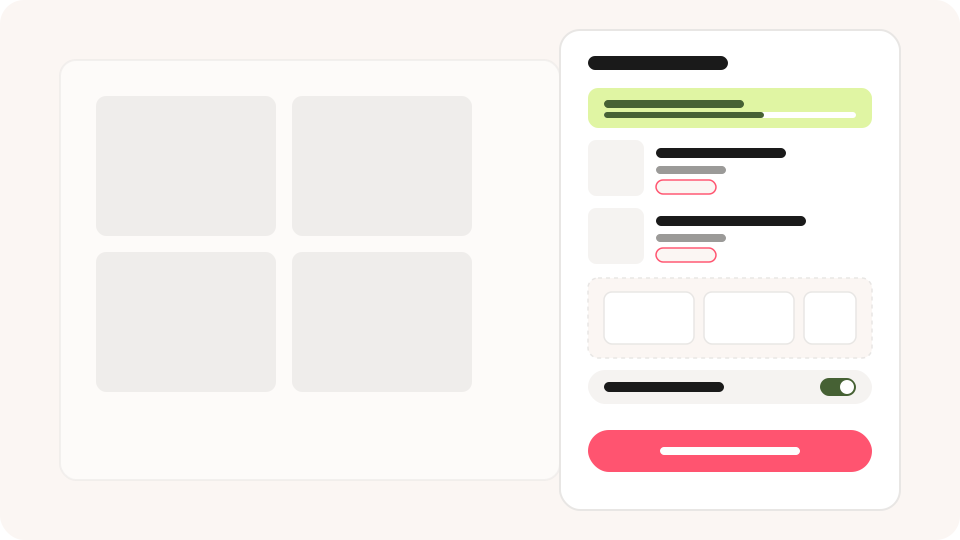
The cart drawer is the one place almost every buyer opens before checking out, which makes it the highest-traffic upsell surface in your store. Stack it with the wrong Cart Drawer upsell widgets and it feels cluttered; stack it with the right ones and it quietly lifts your average order value. Here are five that consistently convert, and how to combine them without crowding the drawer.
TL;DR
-
 The Cart Drawer gets opened by nearly every buyer, making it the highest-reach
upsell touchpoint.
-
The five widgets that convert best: Tiered Rewards, Free Shipping, Complementary
Products, Add-ons, and Subscription.
-
Combine 2-3 widgets, not all five — each one competes for the same scroll space.
-
Each widget has a fixed slot in the drawer; you don't choose where it sits.
Why Does the Cart Drawer Convert So Well?
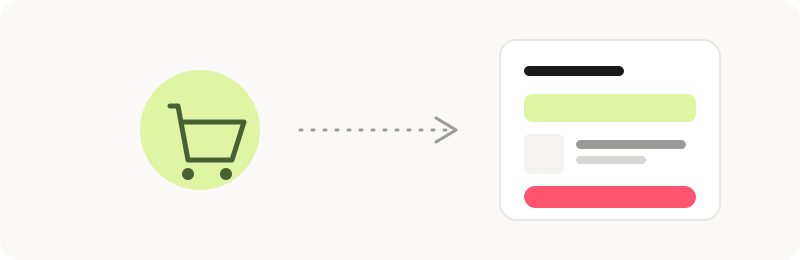
Buyers open the cart drawer to check what's in it and how much they're about to spend — which means they're already thinking about the order total. That's exactly the moment a spend-based reward or a relevant add-on earns its place: it isn't an interruption, it's an answer to the question the buyer is already asking.
The 5 Cart Drawer Widgets That Convert
1. Tiered Rewards Bar
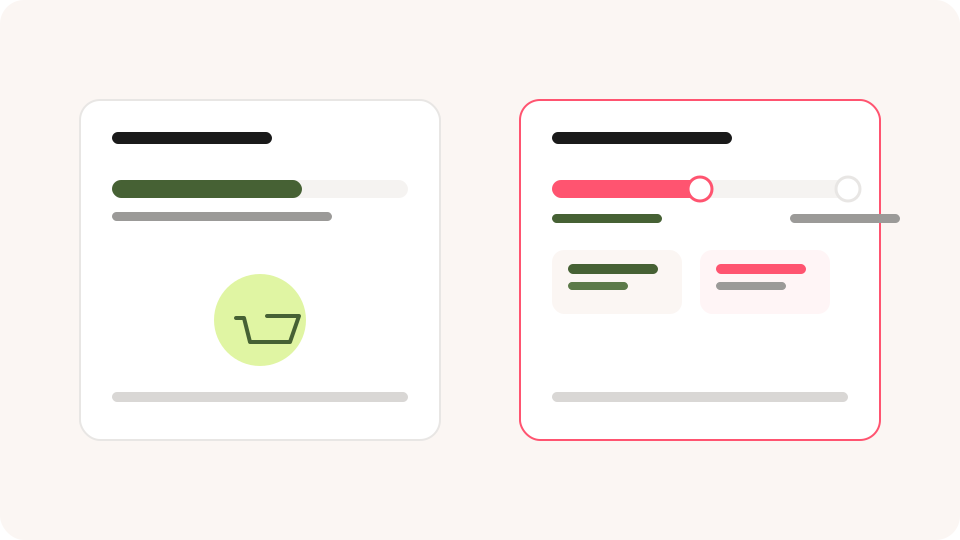
Shows progress toward multiple spending goals — free shipping at $50, a free gift at $80. Unlike a single free-shipping bar, a ladder keeps a next reward visible after the first one is earned, so the pull to add one more item doesn't switch off.
2. Free Shipping Bar
A simpler version of the same idea: one threshold, one message. It's the easiest widget to set up and still one of the most effective for stores with a single, clear shipping cutoff.
3. Complementary Products
Recommends items that finish the job the buyer came to do — the charger for the device, the conditioner for the shampoo. It converts on relevance, not discount, so it works even on stores that never want to run promotions.
4. Add-ons
Shipping protection, priority processing, gift wrap — services rather than products. They carry high margin, consume no inventory, and most stores never build them at all, which makes them an easy way to stand out.
5. Subscription
For consumable products, this offers a "Subscribe & Save" switch right on the line item. It doesn't raise this order's value as much as the others, but it raises lifetime value, which matters more for repeat-purchase categories.
| Widget | Converts on | Best for |
|---|---|---|
| Tiered Rewards Bar | Spending milestones | Stores with multiple reward tiers |
| Free Shipping Bar | A single shipping threshold | Simple, one-tier incentives |
| Complementary Products | Relevance, not price | Product lines that pair naturally |
| Add-ons | Reassurance and convenience | High-margin services |
| Subscription | Repeat-purchase habit | Consumables and refills |
How to Combine Them Without Crowding the Drawer
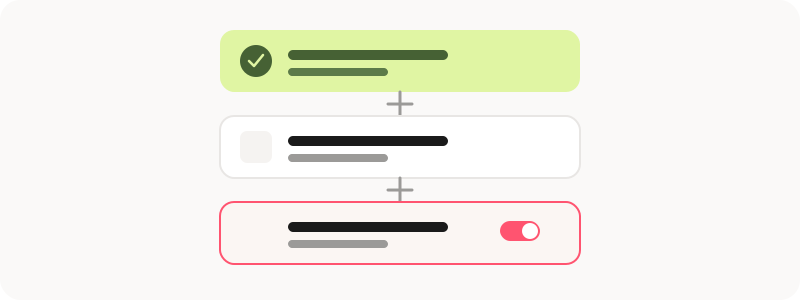
Every widget you add competes for the same scroll space, so more isn't always better. A simple rule: pick one spend-based widget (Tiered Rewards or Free Shipping), one product widget (Complementary Products), and Subscription only if you sell consumables. That covers the three main buyer motivations — reward, relevance, and recurring convenience — without turning the drawer into a wall of offers.
- Cart under 3 items: Spend-based reward + Complementary Products.
- Consumable products: Add Subscription to the mix above.
- High-ticket single items: Add-ons instead of Complementary Products.
Display Rules to Know Before You Publish
Each widget has a fixed slot inside the drawer — merchants don't choose the position, it's assigned by widget type. See our Live Widget Display guide for the full slot map. A few rules worth knowing up front:
- The Cart Drawer only replaces the theme's native cart on supported themes.
- Each widget hides itself automatically when it has nothing to show — for example, when all recommended products are already in the cart.
- Display conditions apply at the group level, so you can show different widgets to different buyers based on cart value or product collection. See our display conditions guide.
Frequently Asked Questions
Q1. How many widgets should I add to the Cart Drawer?
Two to three is the sweet spot. One spend-based reward, one product recommendation, and Subscription if relevant. Beyond that, each widget starts competing for attention instead of adding to it.
Q2. Can I choose where each widget sits in the drawer?
No. Each widget type is assigned to a fixed slot — above the item list, below it, or near the checkout button — so the layout stays consistent.
Q3. Why doesn't my Cart Drawer widget show up on the storefront?
The most common causes are an unsupported theme, the app embed being disabled, or the widget hiding itself because it has nothing eligible to show.
Once the Cart Drawer is dialed in, extend the same logic to post-purchase offers and tiered rewards so every stage of the funnel is pulling its weight.