Blog / Post-Purchase Upsells
Post-Purchase Upsells: The AOV Lever Most Stores Ignore
Most Shopify stores put their best upsell offer at the worst possible moment: the cart, where every extra click risks losing the sale. A post-purchase upsell flips that — it appears after the card is already charged, when the buyer has nothing left to reconsider. This guide covers why the surface converts so well, which offers belong there, and how to turn it on.
TL;DR
-
 A post-purchase upsell appears after checkout and before the Thank You page — no
new payment required.
-
It converts better than pre-checkout offers because the buying decision is already
made.
-
Best offers: small add-ons, upgrades, and new-product samples — not big-ticket
items.
-
It requires your app to be set as the store's post-purchase app in Shopify
Checkout settings.
-
Shopify allows only one post-purchase offer page per order.
What Is a Post-Purchase Upsell?
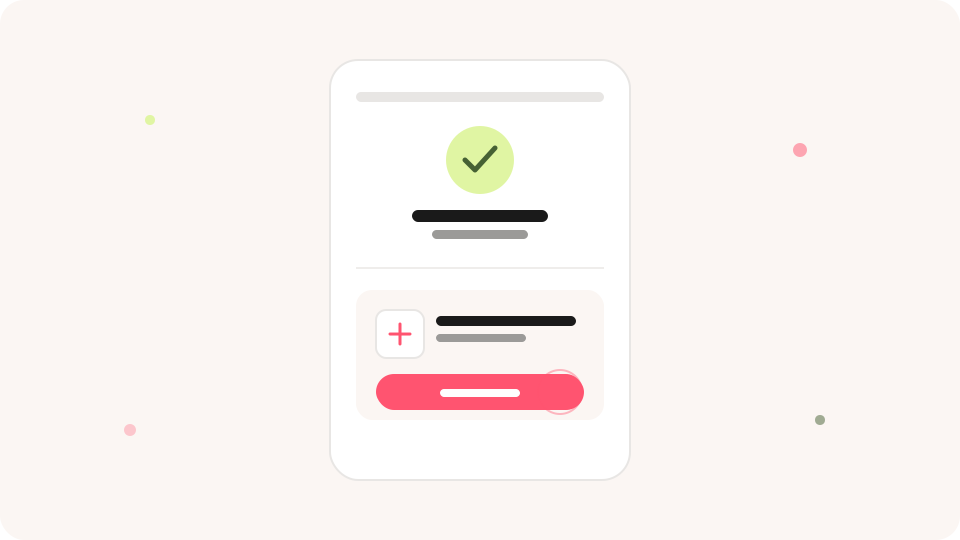
A post-purchase upsell is a dedicated offer page that opens immediately after a buyer completes payment, and before they land on the order confirmation page. The buyer can accept the offer and add the product to their existing order with a single tap — no re-entering card details, no new checkout session.
On Shopify, this page is powered by a post-purchase checkout extension. Only one app can own that slot at a time, so the store must select a single post-purchase app in its checkout settings.
Why Does a Post-Purchase Upsell Convert So Well?
By the time a buyer reaches this page, every objection that usually kills an upsell is already gone. The payment friction is paid. The total they committed to isn't changing. There's no cart left to second-guess.
That changes what the offer gets judged on. Instead of competing against "do I even want to check out," it competes only on its own merits — is this one specific thing worth adding? For a small, relevant, well-priced item, the answer is often yes.
Which Offers Work Best on the Post-Purchase Page?
Because there's no new payment confirmation, the offer should stay low-friction. The strongest performers tend to be:
- Add-ons with an obvious fit — the case for the phone, the filter for the machine.
- A higher tier of what they just bought — the size up, the bundle version.
- A sample of a new or related product — low price, easy yes, builds awareness.
Keep the price well below the order they just placed, and limit it to a single, specific product. A post-purchase page with five competing offers performs worse than one with a single clear ask.
How to Set Up Post-Purchase Upsells on Shopify
- In Shopify Admin, go to Settings → Checkout and set your upsell app as the store's post-purchase app. Only one app can hold this slot — selecting a new one replaces whatever was there before.
- Inside your upsell app, build a Product Offer widget for the Post-purchase touchpoint and choose the product, price, and discount, if any. See our widget placement guide for how this touchpoint fits alongside Cart Drawer and Checkout.
- Add a display condition so the offer only shows for relevant orders — for example, only when the order doesn't already contain that product.
- Publish the funnel. Each order will show only one post-purchase offer page.
Post-Purchase Upsell Mistakes to Avoid
- Offering something too expensive. It breaks the "easy yes" the surface depends on.
- Showing an offer with no display condition. A buyer who already owns the item has no reason to tap it twice.
- Forgetting the post-purchase app setting. Without it, the offer is built but never goes live.
Post-Purchase vs. Other Upsell Touchpoints
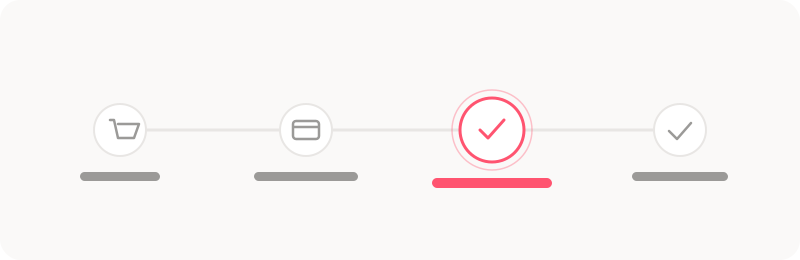
Post-purchase is one of five places an upsell can appear in a Shopify buyer journey. Each surface suits a different kind of offer:
| Touchpoint | Buyer's state | Best suited for |
|---|---|---|
| Cart Drawer | Still deciding on the order total | Spend-based rewards, add-ons |
| Checkout | Entering payment details | Trust badges, small complementary items |
| Post-purchase | Payment already confirmed | One specific, low-friction add-on |
| Thank You | Order complete, browsing freely | Content, social proof, next-purchase ideas |
A Realistic Example
Picture a supplement brand selling a 30-day bottle of vitamins. A buyer checks out with one bottle. On the post-purchase page, they're offered a travel-size pouch of the same vitamins at a small discount — an easy add that doesn't compete with the order they just placed. That's the shape a good post-purchase offer takes: specific, cheap relative to the order, and obviously useful.
Frequently Asked Questions
Q1. Can I show more than one post-purchase offer per order?
No. Shopify allows only one post-purchase app and one offer page per order. If the buyer declines, the order simply continues to the Thank You page.
Q2. Does the post-purchase offer require a new payment?
No. The buyer accepts with a single tap, and the charge is added to the order they already paid for — no card details are re-entered.
Q3. Do I need Shopify Plus for post-purchase upsells?
No. Unlike Checkout and Thank You page app blocks, post-purchase offers are available on standard Shopify plans once your app is set as the store's post-purchase app.
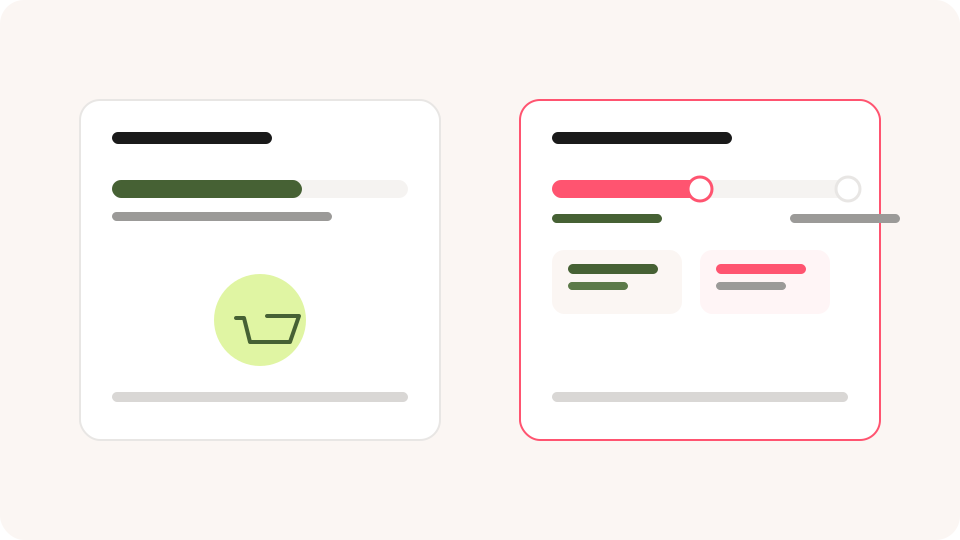
Post-purchase is one touchpoint in a full upsell funnel. Pair it with a Cart Drawer offer and a spend-based reward earlier in the journey to cover the buyer from Add to Cart through to order confirmation.